
Multilingual Wedding Invitations: A Clear, Inclusive Design Guide
Create a multilingual wedding invitation that is readable, respectful and easy to navigate across English and regional languages.
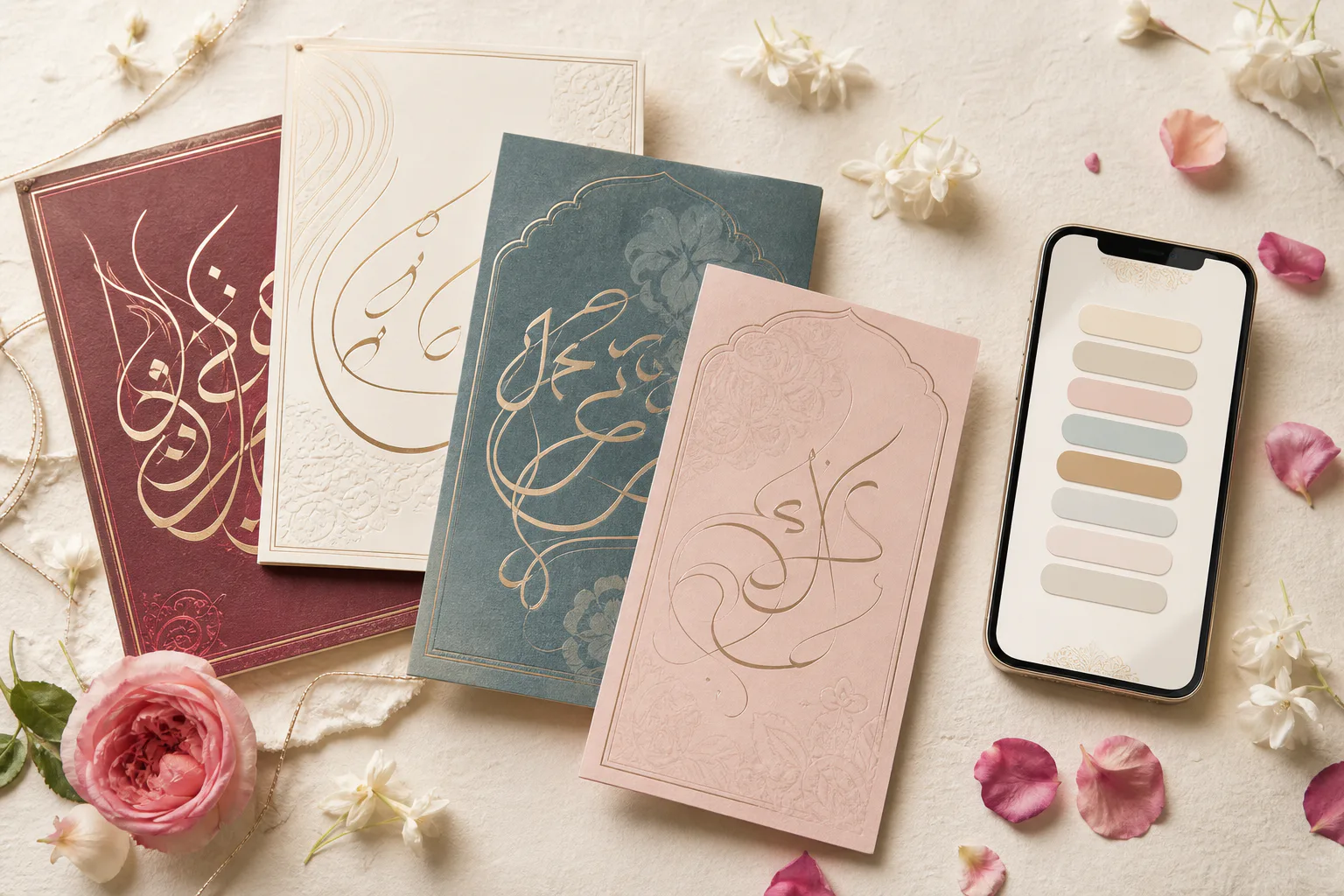
Language is part of how a family celebrates. A multilingual invitation can welcome grandparents, international friends and regional-language speakers without forcing everyone through one crowded card. The key is to design complete reading paths, not squeeze translations into leftover space.
Decide what needs translation
Translate every detail a guest needs to act on: event names, dates, times, venues, dress guidance, RSVP instructions and important travel notes. Decorative headings can remain in one language only if their meaning is obvious from context.
Keep names and venue brands consistent unless there is an established local spelling. Ask families which transliteration they prefer before publishing.
Use a fluent human reviewer
Machine translation can help create a draft, but wedding language contains tone, kinship terms and ceremony names that literal tools may mishandle. Ask a fluent speaker to review for warmth, cultural accuracy and natural phrasing.
Have a second person proof dates and numbers separately. These details can look visually similar across scripts and deserve an explicit check.
Choose a layout that stays readable
A language switch is usually best for digital invitations because each version has room to breathe. Parallel columns can work on desktop but become cramped on phones. A stacked layout is simple, though it makes the page longer.
Keep navigation order, button position and event sequence the same in every language. Guests should be able to switch without losing their place.
Check fonts, scripts and accessibility
Use fonts that contain the full character set for Devanagari, Urdu, Tamil, Telugu, Bengali or whichever scripts you need. Missing glyphs may appear as empty squares on a guest's device. Avoid decorative calligraphy for long body copy.
Set the correct page language in the underlying HTML when possible so screen readers pronounce content more accurately. Maintain strong contrast and comfortable line spacing in every script.
Test with real readers and devices
Send the preview to at least one reader of each language. Ask them to find the main ceremony time, open the map and complete the RSVP. This checks the full experience, not just spelling.
Test smaller Android phones as well as newer devices. Some regional fonts take more vertical space, so buttons and cards must adapt rather than clip.
Treat each language version as equally important. A tiny translation below large English copy communicates hierarchy even when that was not your intention.
Frequently asked questions
How do you fit two languages on a wedding invitation?+
For digital invitations, use a clear language switch or separate complete sections. For print, use two card sides or inserts instead of shrinking both languages.
Can I use Google Translate for wedding invitation wording?+
Use it only as a starting draft. A fluent speaker should review ceremony terms, tone, names, dates and family references.
Which font should I use for a multilingual invite?+
Choose a readable font family that explicitly supports every required script, and test the final page on several devices for missing or clipped characters.
Put the guide into practice
Create your wedding invitation
Start with a polished template, add every event and share one mobile-friendly link with your guests.
Explore templates