
How to Send Wedding Invitations on WhatsApp (Without Feeling Impersonal)
Send a wedding invitation on WhatsApp with the right message, privacy, timing and follow-up etiquette for individuals and groups.
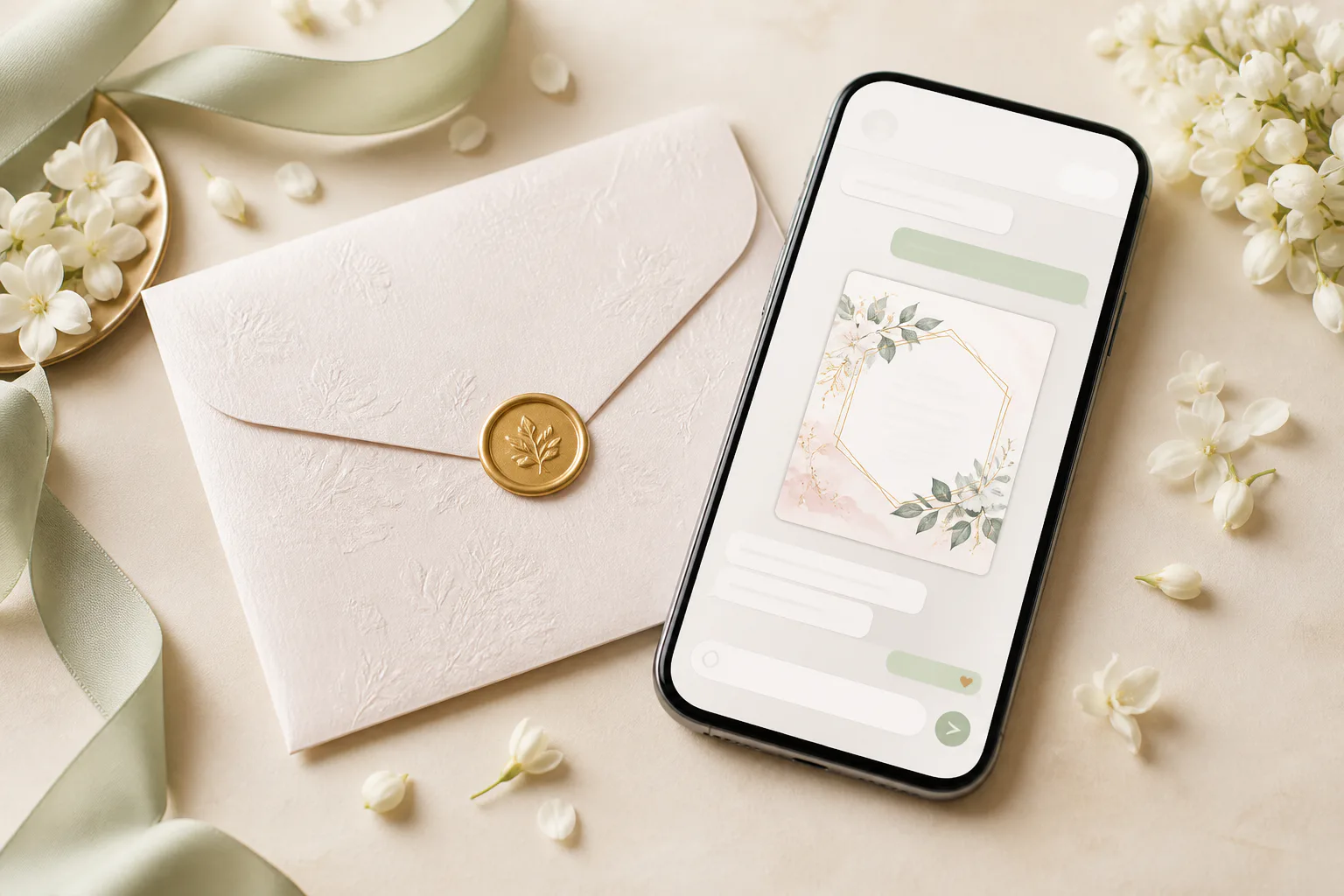
WhatsApp is fast, familiar and ideal for an invitation link, but a bare forwarded URL can feel transactional. The difference is the message around it. A sentence written for the recipient tells them this is a real invitation, not a mass announcement.
Prepare the invitation before you send it
Set a clear preview title and image so the link looks trustworthy in chat. Test the link on mobile data, confirm every map button and submit an RSVP yourself. The first wave of recipients should not be your quality-assurance team.
- Recognizable couple names in the preview
- A polished cover image
- Correct schedule and map links
- A working RSVP with confirmation
- A contact for genuine questions
Write a short personal message
For friends: 'We are so happy to share that we are getting married! We would love to celebrate with you on [date]. Here is our invitation with all the details: [link]. Please RSVP by [date].'
For relatives: 'With the blessings of our families, we are delighted to invite you to the wedding of [Name] and [Name]. Your presence would mean so much to us. Please view the invitation and RSVP here: [link].'
Use the recipient's name for individual chats. One genuine opening line is more meaningful than a long generic paragraph.
Use groups carefully and protect privacy
Send individually to senior relatives, close friends and anyone who may interpret a group post as informal. Existing family or friend groups are fine when every member is invited to the same events. Do not create one giant group that exposes phone numbers to strangers.
Broadcast lists can preserve privacy, but delivery may depend on whether recipients have saved your number. Keep your own guest tracker so you know who actually received the invitation.
Choose the right timing and follow-up
Send when guests have a reasonable chance to read—late morning or early evening is usually better than midnight. If there is no RSVP after a week or two, follow up personally: 'Just checking that our invitation reached you. We would love to know if you can join us.'
Avoid daily reminders. One gentle follow-up before the RSVP deadline and one direct check afterwards are enough for most lists.
If you update a venue or time, send the correction as a new message. Do not rely on guests reopening the link and noticing silently changed details.
Frequently asked questions
Is it acceptable to send a wedding invitation on WhatsApp?+
Yes. Digital invitations are widely accepted, especially when the design is polished and the link is sent with a personal message.
Should I send a PDF or a wedding invitation link?+
A link is usually easier on phones and can include maps, RSVP and live updates. A small image preview can accompany it, but avoid large files.
Can I send wedding invites in a WhatsApp group?+
Use an existing group only when everyone is invited to the same events. Individual messages are better for close relatives, mixed guest lists and privacy.
Put the guide into practice
Create your wedding invitation
Start with a polished template, add every event and share one mobile-friendly link with your guests.
Explore templates